Enhancements
Custom Play Details Overlay
Users can now customize play details on video exports. A new option “Custom” is available in the dropdown which will open several new settings controls when selected: Content, Location, and Styling.
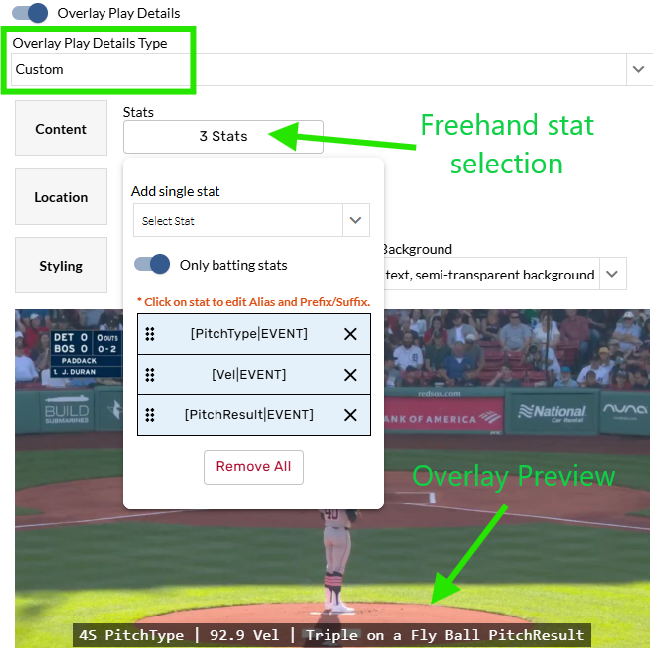
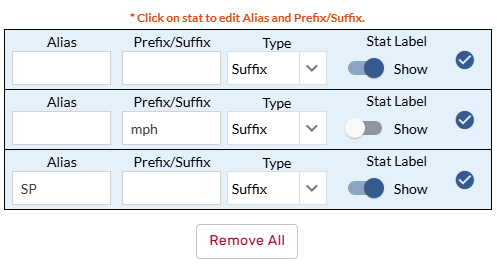
Stats can be added via freehand mode. To hide labels or add custom aliases or prefixes/suffixes, click on a stat in the list. This will open an edit window to make the desired changes. Changes will be reflected in real-time in the preview.
Four location options are available: Bottom, Bottom Left, Top, and Top Left.
There are four different font sizes (S, M, L, XL) and three background options (Solid, Semi-Transparent, None).
These changes will be reflected in the preview at the bottom of the window (a static image is used) to give users an idea of how the information will look once exported.
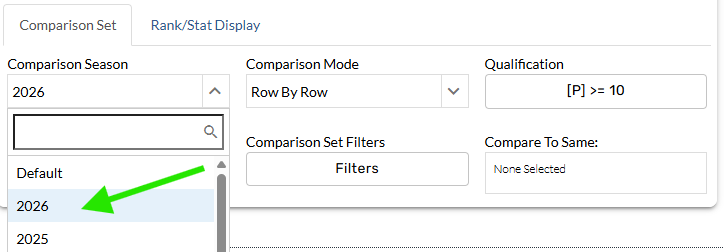
2026 option added to comparison set for player tables on custom pages
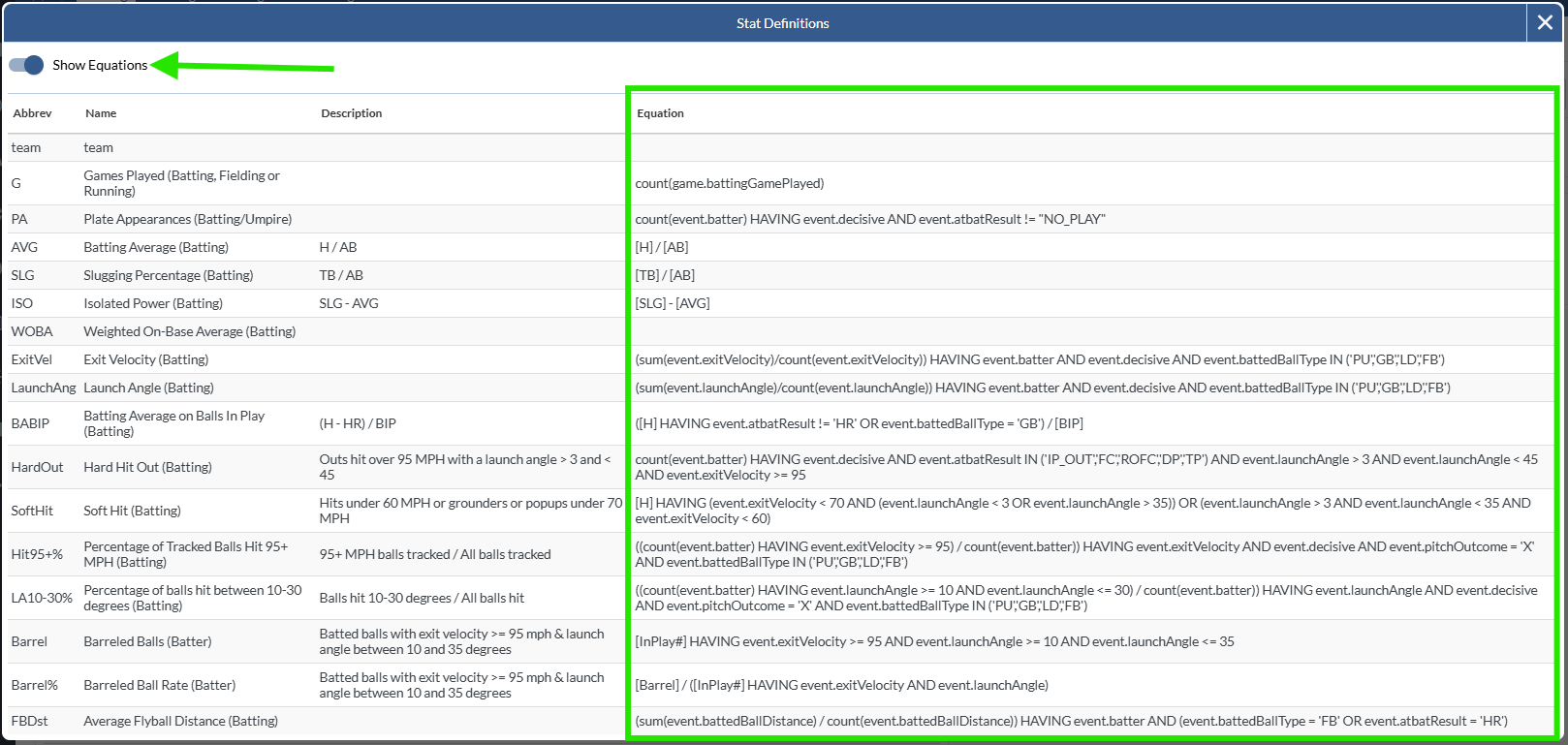
Show Equations toggle added to the table glossary window
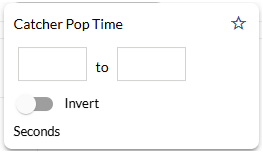
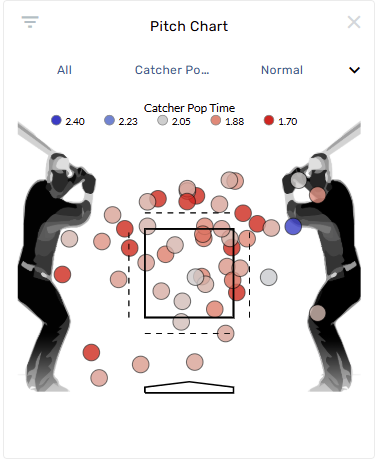
Catcher Pop Time filter and color by added
Improved "In a game" filter split ranges
Pinch Running Stolen Bases report added

Max page limit now imposed on custom pages
We’re now limiting custom pages to 200 pages at a time. Users can still edit the page range in the pagination settings control.
Spinner added to export window after initialization
After initiating a video export, the export window will now show a spinner. This was added due to some confusion over export failures.
Bug Fixes
Fixed a bug where navigating to some graphical splits links wouldn’t show the correct chart
Fixed a bug where component filters weren’t correctly factored into comparison queries on ranked custom pages tables
Fixed a bug where angle lines weren’t working correctly for certain splits on graphical splits page
Fixed a bug where conditional formatting wasn’t working when split rows had a trailing space
Fixed a bug where the filters control wasn’t working on hit charts
Fixed a bug where selected play pitches weren’t updating with perspective changes on other charts
Fixed a bug where custom pages tables couldn’t be sorted by a stat with space in its label