Enhancements
New Overlay Play Details option added
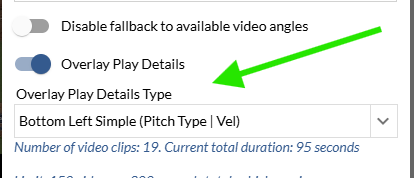
Bottom Left Simple (Pitch Type | Velo) has been added as a new Overlay Play Details option on video exports.
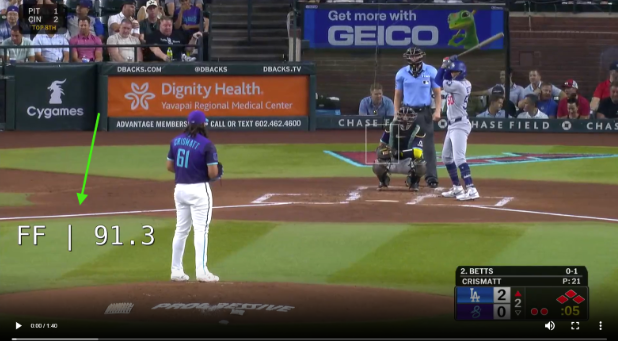
Haven’t used Overlay Play Details before? Toggle this on in the export window and choose between this new option and the preexisting default.
Custom Roster Settings Improvements
Post Game reports will now default to Played in Game(s) showing the players that played in the selected game(s).

Team and Player Custom Pages layouts will now default to the respective site’s team and players in the Custom Pages Builder.
Media sites will remain unchanged.
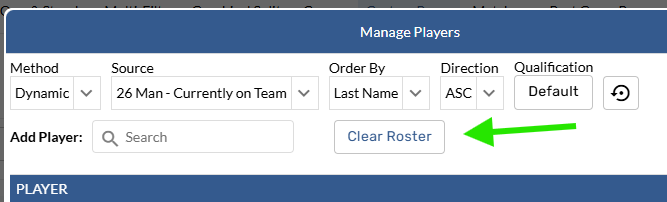
Clear Roster Button
Reset Button tooltips

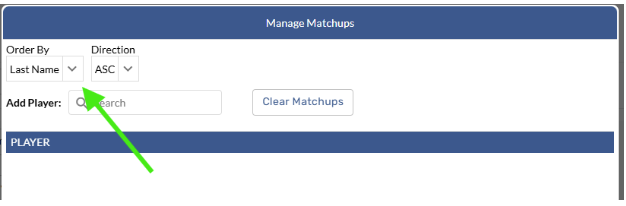
Sorting enabled on Matchups roster settings
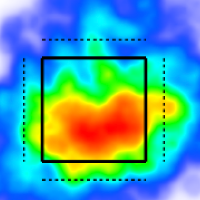
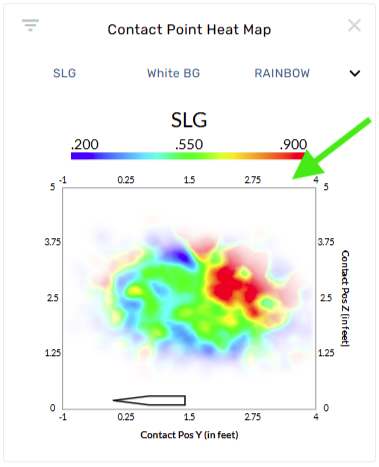
Contact Point Heat Map enhancements
Axes added
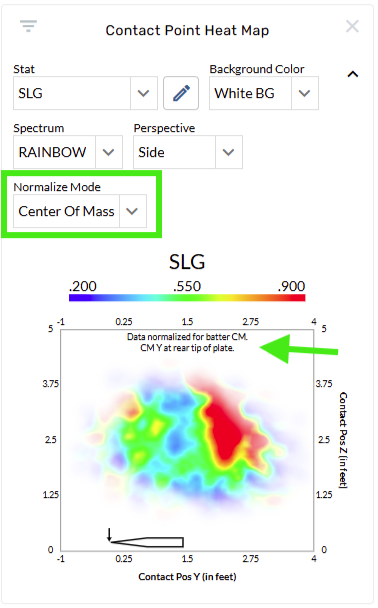
Normalized Mode: Center of Mass added
Post Game Custom Pages added to Practice Sites
Google sheets notes enabled for Umpire Custom Pages
Better explanations for what some filters means
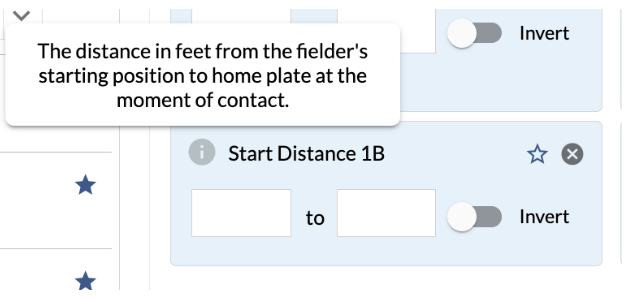
We’ve added tooltips to several Start Distance and Start Angle filters for a better idea of what the filter is capturing.
Broader filter availability
We’ve broadened scope and entity availability for several filters on the site. Examples include the Catcher filter + split being added to Umpire pages and the Vs Pitcher filter + split being added to Baserunning.
Current Org split added
“None” removed from Pie Chart options
Bug Fixes
Fixed a bug where Baserunning Pitch Log Tables weren’t working on Custom Pages when SB, CS, PK only was used
Fixed a bug where split rows couldn’t be re-ordered on Custom Pages
Fixed a bug where Qualifications were missing from Roster Settings on Players, Teams, and Umpires Custom Pages
Fixed a bug where EE graphics weren’t populating for playlists opened on pages without filters
Fixed a bug where conditional formatting wasn’t working in certain situations on custom pages splits tables